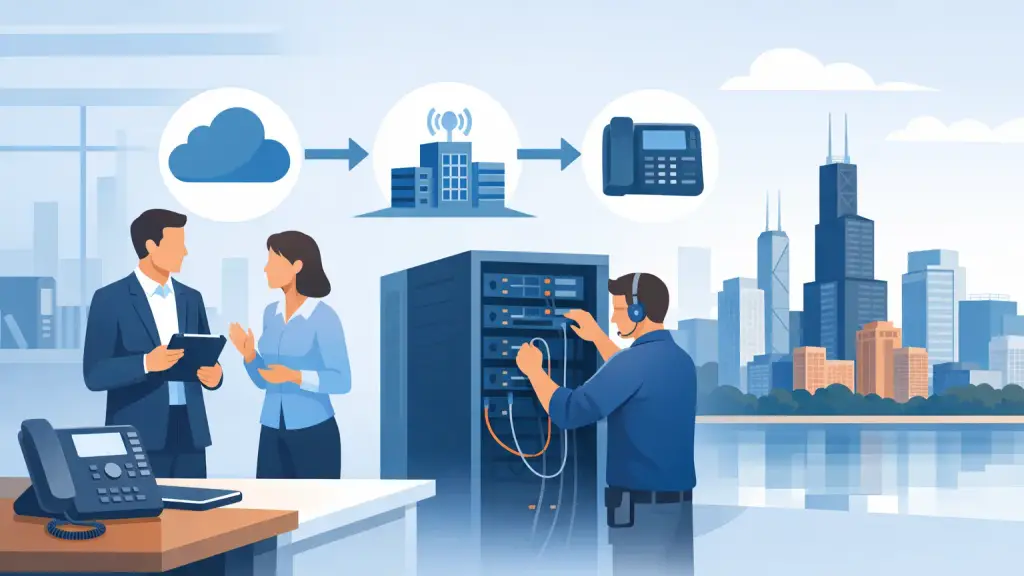
A phone system change can affect every department at once. Calls can fail to route, front-desk staff can lose access to extensions, and customers may reach the wrong voicemail box. This hosted VoIP migration guide is built for businesses that need to modernize without treating phone downtime as an acceptable cost of doing business.
For many Chicago-area organizations, the right move is not to rip out a legacy PBX overnight. It is to create a controlled transition plan that protects the numbers, workflows, equipment, and people that keep the business operating. Hosted VoIP can improve flexibility and simplify administration, but the result depends on planning, network readiness, and experienced implementation.
Start With a Phone System Assessment
Before selecting features or scheduling an installation, document how the current system is actually used. The model of PBX matters, especially if it is a Panasonic, Nortel, Avaya, NEC, Vodavi, or another legacy platform. So do the details that are easy to overlook: analog lines for alarms or fax equipment, paging adapters, door entry phones, conference rooms, and devices connected to elevator or emergency systems.
The assessment should also identify every active phone number, direct inward dial number, hunt group, auto attendant, call queue, shared line, and voicemail box. A main number may be the most visible asset, but a missed direct number can disrupt a salesperson, service coordinator, or executive just as quickly.
Ask department leaders how calls move through the company during normal operations and after hours. Reception, customer service, dispatch, scheduling, and accounting often have different needs. A generic call flow may be simpler to configure, but it can create confusion if it ignores established responsibilities.
Decide What Should Change and What Should Stay
Hosted VoIP is an opportunity to improve an outdated setup, not a reason to change every process without a business reason. Retain workflows that work well, then address the limitations that cause delays, missed calls, or difficult administration.
For example, a growing office may need easier extension changes, call queues for high-volume departments, better voicemail management, or the ability to answer business calls from approved remote locations. A multi-location company may benefit from one coordinated dialing plan instead of separate systems at each site. On the other hand, a simple office with stable call patterns may need a straightforward configuration rather than a long list of features employees will never use.
This is also the point to determine what happens to the existing PBX. In some situations, keeping it active during a short transition period provides a practical fallback. In others, legacy equipment can remain in service for a specialized device while the main office moves to hosted service. The answer depends on the equipment, the building, and how much operational risk the business can accept.
Verify Network and Building Readiness
A hosted platform relies on the local network and internet connection. If the network is poorly configured, the new phones can suffer from voice delay, jitter, dropped audio, or one-way calls even when the provider platform is functioning properly.
A professional review should examine available bandwidth, actual network usage during busy periods, router and switch capacity, Wi-Fi coverage where wireless phones are planned, and the separation of voice traffic from general data traffic. Quality of service settings may be needed to prioritize voice calls when computers, cloud applications, security cameras, or guest devices are competing for bandwidth.
Power planning deserves equal attention. Hosted phones still need local power for handsets, switches, routers, and internet equipment. Confirm whether power-over-Ethernet switching is available, whether backup power is sized for the expected outage window, and how staff will handle an extended building outage. Some organizations also choose call-forwarding procedures for emergencies so essential calls can still be answered off-site.
Physical conditions matter as well. Older offices may require new data cabling, cleaned-up telecom closets, or labeled patch panels before new phones can be installed properly. A migration is a good time to correct cabling issues that have made moves, adds, and troubleshooting unnecessarily difficult.
Build the Call Flow Before Porting Numbers
Number porting is often the point where businesses feel the most pressure. The main number is tied to customers, advertising, vendor records, and years of reputation. Porting should be scheduled only after the new call flow, user list, and voicemail settings are reviewed and tested.
Create a clear map of how calls should route at every stage. Include business hours, holidays, after-hours messages, overflow rules, queue behavior, transfers, voicemail destinations, and operator coverage. Decide who has authority to change those settings once the system is live. Without that ownership, a simple schedule change can leave callers receiving an outdated greeting or ringing an empty desk.
Porting timelines vary, and documentation discrepancies can delay the process. Confirm the account information and authorized contact details early. Avoid disconnecting existing phone service before the port is complete. That mistake can put valuable business numbers at risk and create an avoidable interruption.
Run a Controlled Cutover
The best migration day is usually boring. That means the work has already been done: phones are labeled, user names are correct, extensions are assigned, and staff know where to sit and whom to call for help.
Before cutover, test calls between extensions, inbound and outbound calling, transfers, hold, voicemail, caller ID, paging, and any special integrations. Test from outside numbers as well as inside the office. If the company uses call queues or an auto attendant, call in as a customer would and listen for unclear prompts, bad routing, or excessive wait times.
Schedule the final cutover during a period that limits exposure for the business. A quiet evening, weekend, or planned maintenance window may be appropriate, but it depends on when the company receives its most important calls. Organizations with extended hours may need a phased approach or temporary forwarding plan instead of a single all-at-once change.
Keep a written rollback and escalation plan. The plan should identify who can make configuration decisions, who handles carrier issues, and how employees should communicate if a problem occurs. A local technician who understands both the old PBX environment and the hosted setup can reduce delays when the unexpected happens.
Train Users for the Calls They Handle
User training is not an optional final step. Even a well-configured system can feel like a failure if employees do not know how to transfer calls correctly, check voicemail, use a headset, change their availability, or reach support.
Training should be role-based. Reception staff need to understand call parking, transferring, paging, and coverage rules. Managers need to know how to update greetings, manage schedules, and review queue activity if those responsibilities apply to them. General users need a short, practical session focused on the handful of tasks they perform every day.
Provide a simple internal reference for common actions and a clear process for requesting changes. Employees should not have to guess whether they can update a voicemail greeting, move a phone, or add a new user. Clear ownership prevents small requests from becoming recurring service problems.
Plan for Ongoing Support, Not Just Installation
A hosted platform reduces dependence on aging on-site phone hardware, but it does not eliminate the need for technical support. Internet changes, office moves, employee turnover, headset issues, network failures, and call-routing updates still require attention.
Choose an implementation partner that can support the practical work around the service: network troubleshooting, cabling, on-site phone installation, configuration changes, and emergency response. This is especially valuable for businesses moving from legacy systems, where old infrastructure and modern requirements often overlap during the transition.
iTeleco helps Chicago businesses make that transition with hands-on telecom support, from assessing legacy PBX equipment to installing and supporting hosted VoIP systems. For offices that cannot afford unanswered calls, a planned migration with accountable technical support is far safer than a rushed replacement.
A successful migration should leave your staff with a phone system they can use confidently on the first business day after cutover. Start by documenting the calls your business cannot afford to miss, then build the project around protecting them.