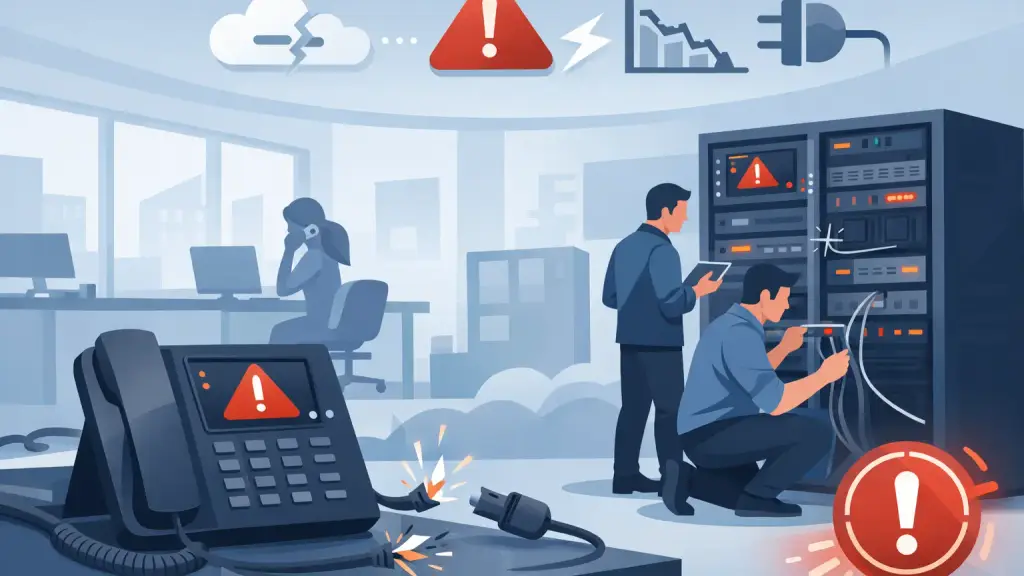
A business phone outage rarely starts with a clear warning. One department may lose dial tone, callers may hear ringing with no answer, or every extension may go down at once. Understanding what causes PBX phone failure helps office managers and IT teams respond faster, limit disruption, and avoid treating a serious system problem like a simple handset issue.
For businesses still relying on Panasonic, Nortel, Avaya, Vodavi, NEC, or other legacy systems, the cause can sit anywhere between the carrier service, building wiring, PBX cabinet, system programming, and individual phones. The fastest path back to service is a structured diagnosis that isolates where the failure begins.
What Causes PBX Phone Failure Most Often?
PBX failures generally fall into four categories: power and hardware problems, telephone line or network issues, cabling faults, and programming or configuration errors. The symptoms may look similar, but the repair required can be very different.
A single dead phone may point to a damaged handset, cord, jack, or extension port. When an entire office cannot place or receive calls, the issue is more likely related to the PBX processor, power supply, carrier circuit, main distribution frame, or a building-wide electrical event. Knowing the scope of the outage is one of the most useful details to provide when requesting emergency repair.
Power Loss, Power Supply Failure, and Electrical Damage
A PBX depends on stable electrical power. A tripped breaker, unplugged power cord, failed surge protector, or depleted battery backup can take down the system completely. In older systems, internal power supplies and backup batteries also wear out over time. A unit may appear to power on while failing to deliver consistent power to the processor, line cards, or station ports.
Power surges are especially damaging. Lightning, utility interruptions, and electrical work in the building can damage a PBX card without creating an obvious visual sign. The system may restart repeatedly, lose programming, show intermittent extension failures, or stop recognizing outside lines.
A quality battery backup can reduce the effect of short utility outages, but it is not a substitute for inspection. If the backup unit is overloaded, has failed batteries, or has never been tested, it may not hold the system up when it is needed most.
Failed PBX Cards and Aging Hardware
Legacy PBX systems are built from specialized components: processor cards, trunk cards, station cards, voicemail modules, power units, and expansion cabinets. Any one of these components can fail. Because cards often serve groups of extensions or lines, the pattern of the outage provides valuable clues.
For example, if several phones in one area stop working while other extensions remain operational, a station card, port group, or cable run may be involved. If every outbound call fails but internal extension-to-extension calling still works, the likely source is an outside line, trunk card, carrier circuit, or related programming.
Age does not automatically mean a PBX should be replaced. Many older systems remain dependable when they receive proper maintenance and when replacement parts are available. The practical question is whether the failed component can be repaired or replaced quickly, whether failures are becoming recurring, and whether the system still supports the way the organization needs to communicate.
Telephone Carrier and Outside Line Problems
A PBX can be working correctly while the business still has no incoming or outgoing calls. The reason may be with the telephone carrier circuit, a damaged service entrance, a disconnected line, or a failure in the equipment that hands service off to the PBX.
Carrier-related issues commonly affect all calls or a group of outside lines. Callers may receive a busy signal, a fast busy tone, an error recording, or endless ringing. Staff may be able to use intercom features but cannot reach outside numbers. These symptoms should not be dismissed as a phone-system failure until the incoming service and PBX trunk connections have been tested.
In some buildings, weather, construction, utility work, or damage near the service entrance can affect the telephone circuit. A technician needs to test the service at the correct demarcation point, then work inward through the wiring and PBX hardware. This prevents wasted time replacing phones or changing programming when the actual problem is outside the office.
Wiring and Cabling Faults Inside the Building
Business phone systems rely on more cabling than many organizations realize. Wiring may run through telecom closets, ceilings, patch fields, wall jacks, floor boxes, and older cross-connect blocks. A loose connection, water exposure, rodent damage, accidental disconnection, or renovation work can interrupt service to one extension or an entire department.
Moves, adds, and changes are a common source of trouble. When a desk is relocated, a phone may be connected to a data jack instead of a voice jack, assigned to the wrong extension port, or patched incorrectly in the closet. In offices with years of changes and incomplete documentation, tracing a cable correctly takes experience and the right test equipment.
Intermittent problems deserve attention, too. A phone that cuts out only during certain weather conditions, after a door closes, or when nearby equipment starts may have a compromised cable or connection. These faults can create repeated service calls if the underlying wiring issue is not found and corrected.
Configuration Errors and Programming Changes
PBX programming controls how calls enter, route, ring, transfer, forward, and reach voicemail. A well-intended change can cause major disruption if it is applied to the wrong extension, hunt group, trunk group, or time schedule.
Common examples include calls routing to an old employee's voicemail, a main line no longer ringing at reception, outbound calls being blocked, or a department hunt group skipping active staff. Day/night mode settings can also create confusion when calls follow an after-hours path during normal business hours.
Programming issues often arise after staffing changes, office moves, carrier changes, or attempts to make adjustments without a current system record. Before changing settings, a technician should confirm the intended call flow and document the existing configuration. Restoring service quickly matters, but so does avoiding a second disruption caused by an undocumented workaround.
Voicemail, Auto Attendant, and Integration Failures
A PBX may still support calls even when voicemail or auto attendant functions fail. To callers, however, the impact can feel just as serious. They may hear no greeting, receive an error message, or be sent to an incorrect mailbox.
Voicemail systems can fail because of a bad module, full storage, corrupted software, power interruption, failed hard drive, or integration issue between the voicemail unit and PBX. Auto attendants can also be affected by programming changes, time schedules, and extension mapping errors.
If calls are reaching the business but not being answered or routed properly, the PBX itself may not be entirely down. Separating call-delivery issues from messaging and routing issues helps direct the repair effort to the correct equipment.
How to Respond When Your PBX Stops Working
When phone service fails, avoid repeatedly rebooting the PBX or moving cables without documenting the condition first. A restart can sometimes restore service, but it can also erase useful symptoms or complicate a problem involving failing hardware. Check whether the PBX has power, whether the battery backup is active, and whether the outage affects all phones, certain extensions, incoming calls, outgoing calls, or voicemail.
Gather a few details before calling for support: when the failure began, whether there was a power event or construction activity, the make and model of the system, any alarm lights or display messages, and the exact call behavior employees and customers are experiencing. This information allows a technician to triage the issue before arriving on site.
For Chicago-area businesses that cannot wait through phone downtime, iTeleco provides 24/7 emergency repair, on-site diagnostics, legacy PBX maintenance, and a practical path to hosted VoIP when an older system no longer fits operational needs. The right next step depends on the failure pattern and the condition of the system, not a one-size-fits-all recommendation.
When Repair Makes Sense and When to Plan an Upgrade
A failed card, damaged cable, exhausted backup battery, or programming problem is often repairable. If the PBX has been reliable, supports the required extensions and features, and replacement parts remain available, repair can be the sensible business decision.
An upgrade deserves consideration when outages become frequent, key components are difficult to source, the business needs better remote-work support, or expansion has pushed the legacy system beyond its practical limits. Hosted VoIP can offer flexibility, but it also depends on internet reliability, network readiness, and proper installation. For some organizations, maintaining the existing PBX while planning a staged transition is less disruptive than making a rushed change during an outage.
Phone failures are operational emergencies, not just IT inconveniences. A clear diagnosis, reliable repair partner, and documented plan for the system's future give your business the best chance of keeping customers, staff, and critical calls connected.