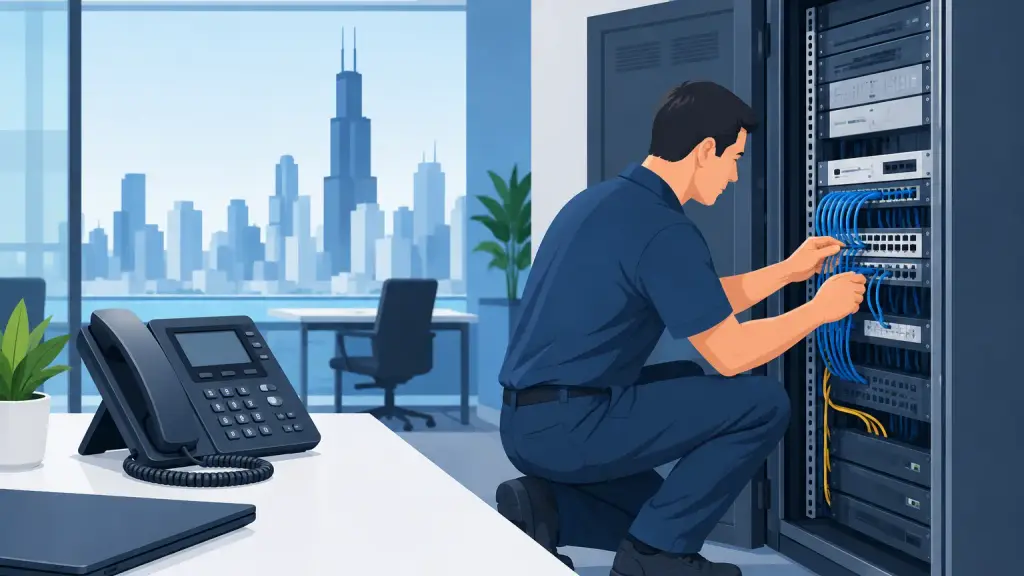
When the main business line goes quiet, the problem is not merely technical. Calls stop reaching sales, service requests go unanswered, appointments cannot be confirmed, and employees lose a critical way to coordinate. Emergency PBX repair Chicago businesses can depend on starts with disciplined triage, a fast diagnosis, and a technician who understands the phone system already in place.
A legacy PBX can remain a dependable business asset for years. But when it fails, the priority is restoring communications without creating a second problem through rushed changes, incorrect programming, or unnecessary hardware replacement. Here is how to respond when your office phone system is down or behaving unpredictably.
Start by Defining the Scope of the Outage
Before anyone resets equipment, determine what is and is not working. A single dead phone, an entire department without dial tone, and a complete inbound call failure point to very different causes. This first distinction saves time and helps prevent a local issue from being mistaken for a PBX failure.
Ask whether callers can reach the main number, whether outbound calls work, whether every extension is affected, and whether voicemail is still answering. Check if the issue began after a power interruption, construction work, cabling changes, a carrier event, or an office move. If only one or two stations are affected, the cause may be a handset, line cord, jack, or extension programming issue. If the whole office is down, look at power, carrier service, the PBX cabinet, and core connections.
Write down the exact symptoms. Error messages on display phones, unusual alarm lights, busy signals, static, dropped calls, or a system that continually reboots are useful diagnostic details. They give a PBX technician a faster starting point than a general report that the phones are "not working."
What to Check Before Calling for Emergency PBX Repair
A few safe checks can clarify the situation. They should not involve opening the PBX cabinet, moving circuit cards, changing system programming, or repeatedly cycling power. Legacy systems often have dependencies that are not obvious from the outside, and an incorrect reset can extend downtime.
Use this quick triage process:
- Confirm that the PBX cabinet, power supply, and any related network equipment have power.
- Check whether the building has recently lost power or whether a breaker, UPS, or surge protector has tripped.
- Test a known working phone at more than one extension location, if practical.
- Call the main business number from an outside line and note what happens.
- Identify recent changes, including carrier work, new cabling, office remodeling, or system programming updates.
If the PBX has a backup battery or uninterruptible power supply, do not assume it is healthy because the equipment is lit. A failing battery, overloaded UPS, or damaged power supply can leave a system partially operational and create confusing symptoms.
Do Not Factory Reset a Business PBX
Factory resets are rarely an emergency repair strategy. They can erase extension assignments, call routing, voicemail integration, trunks, auto attendants, and custom programming that took years to build. The same applies to swapping cards or disconnecting cables without documenting their original positions.
For a business that relies on a Panasonic, Nortel, Avaya, Vodavi, NEC, or another legacy PBX, the right repair often depends on knowing how that specific system is configured. A fast response is valuable, but preserving the system's programming and call flow is just as important.
Common Causes of a PBX Emergency
Phone outages usually fall into a few categories, although the symptoms can overlap. Power-related problems are common after storms, electrical work, or a failed UPS. A PBX may appear to be running while a power supply is unstable enough to affect line cards, voicemail, or individual extensions.
Carrier or trunk issues can also look like a PBX failure. If inbound calls fail but internal calling and outbound dialing still work, the issue may involve the service connection rather than the phone cabinet. Likewise, damaged cabling, water exposure, or construction-related disruption can take down a group of extensions while leaving other areas of the building operational.
Hardware failures remain a reality for older systems. A failed station card, trunk card, processor, power unit, or voicemail component may require on-site diagnostics and replacement. In some cases, the repair is straightforward. In others, an older part may need to be sourced, installed, and programmed carefully to match the existing configuration.
Programming problems are another frequent cause. Changes to call forwarding, time schedules, hunt groups, extensions, or carrier routing can unintentionally send calls to the wrong place or prevent them from completing. This is why a technician should review the system's current state before making broad configuration changes.
When an On-Site PBX Technician Is the Right Call
Remote troubleshooting can help with certain programming and service-provider issues, but it has limits. An on-site visit is usually the better choice when there is no power at the PBX, the cabinet shows alarms, multiple cards may be involved, physical cabling is damaged, or the system must be tested across several extensions and trunks.
It is also the right move when your team does not have current documentation. Many Chicago-area businesses inherited their PBX from a previous tenant, former IT provider, or long-retired office manager. The system may still handle calls effectively, but passwords, diagrams, programming records, and spare parts may be missing. An experienced legacy PBX technician can assess the actual condition of the installation instead of making assumptions based on its age.
For multi-location businesses, the key question is whether the problem is isolated to one site or affects call routing across the organization. A failed local system may require immediate on-site repair, while a broader issue may call for temporary routing changes to protect customer access until hardware service is complete.
Protect Calls While Repairs Are Underway
The repair itself is only one part of the emergency response. Businesses should also protect customer communications during the outage. If available, use temporary call forwarding or alternate answering arrangements. Notify front-line staff about the outage so they can communicate accurately with customers who reach them through alternate channels.
Avoid promising a restoration time until the source of the failure is confirmed. A loose connection may be resolved quickly, while a failed legacy component or carrier-side issue can require a different timeline. Clear internal communication is better than optimistic guesses, especially for medical offices, professional services firms, property managers, manufacturers, and organizations that depend on scheduled calls.
Once service is restored, test more than dial tone. Verify inbound and outbound calls, transfers, hold, voicemail, paging, door access integrations where applicable, fax or alarm lines, and the main number's routing. A phone system can seem operational while one important call path remains broken.
Repair or Upgrade? Make the Decision After Service Is Restored
An outage does not automatically mean a business must replace its PBX. Many older systems remain practical to repair when the equipment is stable, users are familiar with it, and replacement parts and qualified support are available. Repair can be the sensible choice when the failure is isolated and the system continues to meet operational needs.
However, repeated failures, unavailable components, limited capacity, unsupported carrier connections, or a need to support remote users may justify planning a move to hosted VoIP. The decision should be based on reliability, business requirements, and a realistic transition plan, not pressure during an active outage.
The strongest approach is often to restore the existing system first, then evaluate options from a position of control. That gives leadership time to compare continued PBX maintenance with a planned modernization rather than forcing employees and customers through an emergency migration.
Emergency PBX Repair in Chicago Requires the Right Information
When you call for emergency service, have the PBX make and model available if possible, along with the building address, a callback number that works, the time the problem began, and a clear description of the impact. Mention whether all phones are affected, whether the main number receives calls, and whether there was a recent power or construction event.
For businesses in Chicago and surrounding suburbs that need 24/7 emergency support for legacy phone systems, iTeleco can provide hands-on diagnostics, on-site repair, programming support, and a practical path forward when an upgrade makes sense. Call 773-340-7777 when phone downtime is affecting your operation. The best next step is not to guess at the failure - it is to protect your calls, preserve your configuration, and get the right technician involved quickly.