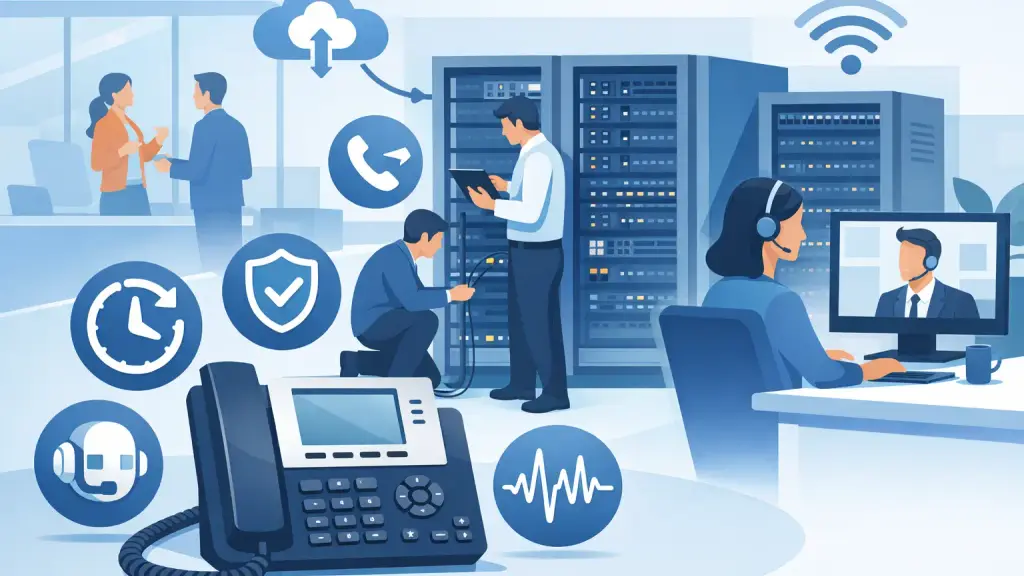
A missed call can mean a lost appointment, an unanswered service request, or a customer who calls someone else. The best office phone features are not the ones with the longest specification sheet. They are the ones that keep calls moving when staff are busy, working in different locations, or dealing with an equipment problem.
For Chicago-area businesses with an established PBX system, feature decisions also need to account for what is already in place. A useful upgrade should improve daily call handling without creating unnecessary disruption, replacing reliable equipment prematurely, or leaving employees confused about how to use the phones.
Best Office Phone Features for Business Continuity
1. Auto Attendant That Directs Calls Correctly
An auto attendant answers incoming calls with a professional greeting and gives callers clear routing choices, such as sales, service, billing, or a staff directory. This feature reduces the burden on reception and gives callers a path forward even when the front desk is occupied.
The key is keeping it simple. Long menus frustrate callers, particularly when they need urgent help. A well-programmed auto attendant should use concise options, route calls to the correct group or extension, and provide an after-hours option for emergencies or voicemail. It should also be easy to update when departments, hours, or personnel change.
On many legacy PBX systems, auto attendant capability may already exist through a voicemail platform or optional module. Before replacing a system for this feature alone, have the current programming and hardware evaluated. A repair, programming adjustment, or compatible add-on may solve the problem.
2. Hunt Groups and Call Queues
When one person is responsible for every incoming call, service stops the moment that person is helping another customer, away from their desk, or out of the office. Hunt groups distribute calls among multiple extensions in a defined order. Call queues hold callers briefly and send the next available call to the right employee or team.
These features are especially valuable for service departments, medical and professional offices, property managers, dispatch operations, and sales teams. They prevent a busy signal or unanswered extension from becoming the caller's final experience with your business.
The trade-off is configuration. A poorly designed queue can create confusion, ring the wrong people, or leave callers waiting too long. Define who should receive calls, how long each phone should ring, what happens when everyone is busy, and where after-hours calls should go. Test the workflow from a customer's perspective after any programming change.
3. Voicemail to Email and Reliable Message Alerts
Voicemail remains essential, but checking a desk phone mailbox manually is not always practical. Voicemail to email sends an audio recording or notification to an employee's inbox, allowing them to see and respond to messages sooner.
For managers and mobile staff, this can close a common gap in communication. An employee may be in a meeting, at another company location, or assisting a customer away from their desk. Email notification makes it less likely that a message sits unnoticed until the end of the day.
This feature needs to be set up with care. Confirm that messages are delivered to the correct addresses, that mailbox storage is monitored, and that email security policies support the configuration. Companies handling sensitive information should also decide whether a notification-only format is more appropriate than sending audio files through email.
4. Call Forwarding That Follows Your Team
Call forwarding gives employees and departments a backup plan when they cannot answer at their primary extension. A call can forward to another office phone, a designated coverage extension, a voicemail box, or an approved external number based on the business's call-handling policy.
The value is continuity. If a scheduler is out for the day, calls should reach a trained backup rather than disappear into an unattended mailbox. If an office closes because of weather, building work, or an unexpected issue, forwarding can help keep customer calls answered.
The best approach depends on the role. Some employees need simple manual forwarding from their desk phone. Others benefit from rules based on time of day, busy status, or no-answer conditions. Every business should document who can activate forwarding and review active forwarding regularly. Forgotten forwarding settings can send calls to the wrong place long after an absence has ended.
5. Caller ID, Call History, and Visibility for Staff
Caller ID helps employees recognize customers, vendors, and repeat callers before answering. Call history adds useful context by showing recent incoming, outgoing, and missed calls. These may seem like basic features, but they make daily communication faster and more accountable.
For a busy office, visibility matters most when a call is missed. Staff should be able to see that it happened, identify the caller when possible, and return the call promptly. Supervisors may also need reporting that shows call volume, abandoned calls, and peak calling periods.
Not every system delivers reporting at the same level. Older PBX platforms may provide core caller ID and call logs but have limited reporting without additional software. Hosted VoIP platforms can often provide more detailed analytics. The right choice depends on whether management needs basic callback capability or operational data to guide staffing and customer service decisions.
6. Shared Lines and Presence Status
A shared line allows several phones to monitor and answer calls for a common department or employee. Presence indicators show whether an extension is on a call, available, ringing, or set to do not disturb. Together, these features help teams coordinate without repeatedly transferring callers or interrupting coworkers.
A receptionist can see whether a manager is available before transferring an important call. A service team can answer a shared department line when another team member is already assisting someone. In smaller offices, this is often more useful than adding complex call-routing layers.
These features require clear expectations. If everyone can answer a shared line, everyone should know who owns follow-up. Otherwise, callers may get an immediate answer but no completed task. A simple process for documenting messages and assigning responsibility is as important as the phone system programming.
7. Conference Calling and Easy Transfers
Conference calling lets staff bring multiple parties into one conversation without scheduling a separate meeting platform. Warm transfer capability lets an employee speak with a colleague before connecting the caller, while blind transfer sends the call directly to another extension.
Both transfer options have a place. Warm transfers are better for complex customer questions, urgent service issues, and high-value calls where context matters. Blind transfers can be appropriate for routine calls to a department that is ready to answer. Employees should be trained on both, including what to do if the destination extension does not answer.
This is a feature area where user training pays off quickly. A phone system can have every capability available, but callers still experience delays when staff are unsure how to transfer, retrieve, park, or conference a call.
8. Call Park for Faster Office-Wide Retrieval
Call park places a caller on a shared parking location that another employee can retrieve from a different phone. It is useful when the person answering a call does not know where the intended employee is sitting, or when staff move between offices, work areas, or departments.
Unlike a basic hold function, call park makes the call accessible beyond the original desk. The caller is not tied to one handset, and the team can use a short announcement or internal message to tell the right person where the call is parked.
For call park to work well, the process must be consistent. Employees need to know the park locations, how to announce them, and how long a call should remain parked before it returns to the operator or queue.
9. Failover and After-Hours Call Routing
A business phone system should have a plan for conditions that interrupt normal service. Failover and after-hours routing can redirect calls when the office is closed, an internet connection is unavailable, a power event affects equipment, or a primary answering point cannot take calls.
The right setup varies by system. A legacy PBX may rely on backup programming, alternate destination numbers, or on-site equipment support. A hosted VoIP solution may provide more flexible routing to alternate users or locations. Neither approach is automatically better without considering your building, connectivity, staffing model, and existing phone infrastructure.
What matters is testing. A failover plan that has never been tested is only an assumption. Review it after staffing changes, office moves, carrier changes, and any major adjustment to call routing.
Choose Features Based on Call Flow, Not Marketing
Before adding features or considering a migration, map what happens to an incoming call from the first ring to final resolution. Identify where calls are lost, where employees wait for help, which departments need coverage, and what happens after business hours. That process usually reveals whether the problem is equipment, programming, training, staffing, or all four.
A stable legacy PBX may only need maintenance, repair, cabling work, updated programming, or better user training. If the business needs flexible multi-location coverage, detailed reporting, or easier remote administration, hosted VoIP may be the more practical next step. The decision should be based on operations, not pressure to replace working equipment.
For businesses in Chicago and the surrounding suburbs, iTeleco can evaluate existing PBX equipment, correct call-routing problems, and provide a realistic path to modernization when it makes sense. For urgent phone outages, 24/7 emergency support is available at 773-340-7777.
The most useful phone feature is the one your team can rely on under pressure. Keep call flows simple, train employees on the tools they use every day, and review your setup before a missed call becomes a larger operational problem.