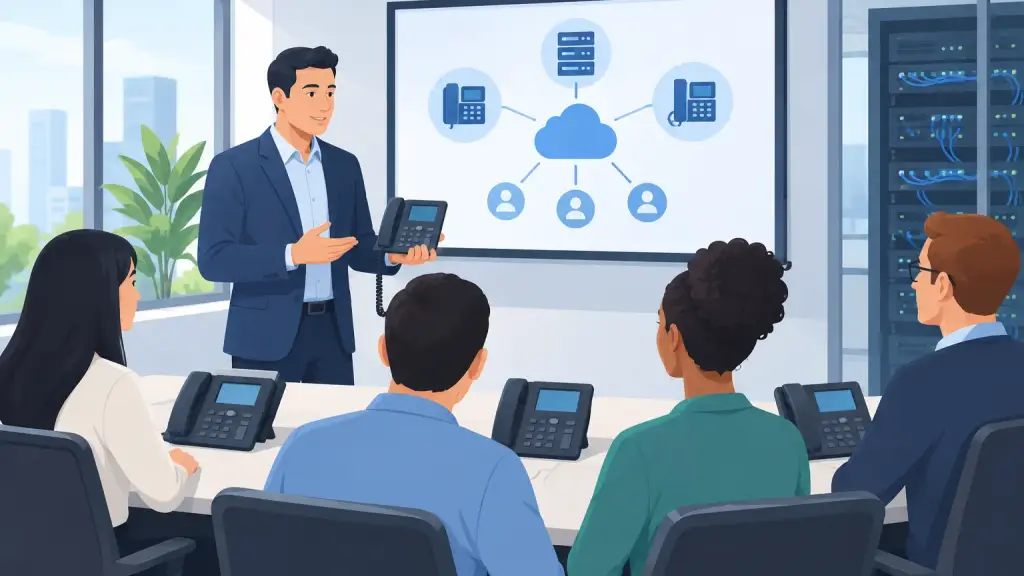
A new phone system can be programmed correctly, installed cleanly, and connected to every department - then still create daily problems if employees do not know how to use it. Calls get parked on the wrong extension, transfers disappear, voicemail goes unchecked, and reception becomes the unofficial help desk for everyone else.
Knowing how to train phone users is not about turning every employee into a telecom technician. It is about giving each person the confidence to handle the calls, messages, and features required for their role. For businesses using a legacy PBX or moving to a hosted VoIP platform, practical user training protects customer service and reduces avoidable support requests.
Start With the Calls That Affect Business
The fastest way to lose employees during phone training is to explain every button on the handset. Most staff members do not need every feature. They need to know what happens when a customer, vendor, patient, prospect, or internal colleague calls.
Begin by mapping the common call paths in your office. A receptionist may need to answer multiple lines, transfer calls, page departments, and manage after-hours coverage. A salesperson may need to place callers on hold, transfer to another extension, retrieve voicemail remotely, and use a headset. A manager may need to set call forwarding before leaving the office and monitor urgent messages.
This approach makes training relevant from the first minute. Instead of telling employees what a feature does in theory, show them when to use it and what the caller experiences while they use it.
Build Training Around Real Scenarios
Use the situations that occur in your business every day. Have the trainee answer a call, put it on hold, announce the transfer, and complete it. Then have them repeat the process when the destination extension does not answer.
For example, a receptionist should know the difference between a blind transfer and an announced transfer. A blind transfer sends the caller directly to another extension. An announced transfer lets the employee speak to the receiving person first. Neither method is always better. The right choice depends on your call volume, the nature of the call, and the expectations of your customers.
Practice should also cover the exceptions that cause the most confusion: retrieving a parked call, transferring a caller to voicemail, forwarding an extension for a meeting or vacation, and recovering when a caller is sent to the wrong place.
How to Train Phone Users Without Overloading Them
Effective training is usually short, hands-on, and repeated. One long session often creates the appearance of training without producing real retention. Employees may understand the demonstration but forget the steps as soon as they return to a busy desk.
A better plan is to provide a focused initial session, followed by brief reinforcement after employees have used the phones in real conditions. Train in small groups based on job function when possible. Reception, management, customer service, warehouse personnel, and general office staff often need different levels of instruction.
During the first session, cover the daily essentials: answering calls, holding calls, transferring calls, accessing voicemail, adjusting volume, and requesting help. Let every participant perform each task on an active phone. Watching someone else press a button is not the same as doing it correctly under pressure.
Keep advanced functions separate. Features such as call pickup groups, conference bridges, programmable keys, paging zones, or detailed forwarding rules are valuable, but only when the employee has a reason to use them. Add those features later for the people who need them.
Create a One-Page Reference for Each Phone Type
A clear desk reference is one of the most useful tools in a phone training program. It should be specific to the phone model and the way your system is programmed. Generic instructions can be misleading because button labels and feature codes vary widely across Panasonic, Nortel, Avaya, NEC, Vodavi, and other business phone systems.
The reference should use plain language and short steps. Include the most common actions, such as transferring a call, parking and retrieving a call, checking voicemail, forwarding an extension, setting a temporary greeting, and contacting internal support. If your phones use labeled programmable buttons, identify them exactly as employees see them.
Avoid cramming every available feature onto one sheet. A reference guide should solve a problem quickly, not become a manual that no one reads. If a department has specialized functions, provide a separate guide for that team.
It also helps to post essential instructions near shared phones, reception consoles, conference rooms, and common work areas. When a phone is used by several people, no single person can be expected to remember every step.
Make Voicemail and Forwarding Policies Clear
Many phone issues are not technical failures. They are policy gaps. An employee forwards calls before leaving, forgets to turn forwarding off, and the office assumes the system is malfunctioning. Or an extension has a generic voicemail greeting that gives customers no useful direction when someone is unavailable.
Set simple standards for voicemail and call coverage. Employees should know how often to check messages, how quickly to return calls, when to update an out-of-office greeting, and who receives calls during absences. Managers should know whether forwarding to another internal extension, a call group, or an approved external number is appropriate for their department.
Use a voicemail greeting format that supports the caller. A good greeting identifies the person or department, gives a realistic return-call expectation when appropriate, and provides an alternate contact for urgent matters. The goal is not to make every greeting sound identical. It is to prevent callers from reaching a dead end.
Train for Outages and Unexpected Call Problems
Employees should not need to diagnose a PBX system, but they should know what to do when something goes wrong. That preparation can prevent one isolated issue from becoming a business-wide disruption.
Give staff a simple escalation process. They should know how to report the extension number, the approximate time of the problem, the caller's number if available, and what they were attempting to do. Those details help a technician identify whether the issue involves one station, a card, cabling, programming, voicemail, or a broader carrier problem.
Staff should also understand which changes they should not make. Unauthorized changes to forwarding, button assignments, voicemail settings, or system programming can create confusion for other users. Designate one or two internal contacts for routine questions and establish a direct path to qualified telecom support for urgent issues.
For organizations that depend on older phone infrastructure, this matters even more. Legacy PBX systems can remain dependable for years when they are maintained correctly, but feature behavior and programming are often specific to the system's configuration. A knowledgeable service partner can train users on the phones they actually have, not on a generic model that does not match the office.
Reinforce Training After Go-Live and Staff Changes
Phone training is not a one-time project. New hires need instruction before they are expected to cover a busy line. Existing employees need refreshers after a system relocation, programming update, department change, or phone replacement.
Pay attention to repeat questions. If several employees ask how to park a call or reach voicemail, the issue may not be employee effort. The instructions may be unclear, the feature may be programmed in an unintuitive way, or the phone buttons may need better labels. Training feedback often exposes configuration improvements that make the whole system easier to use.
For multi-location businesses, keep procedures consistent where possible. Common transfer rules, extension numbering, voicemail standards, and emergency reporting steps make it easier for employees to support one another across offices. Still, do not force identical workflows where departments have genuinely different call needs.
A professional telecom technician can also provide on-site training when a business installs, relocates, repairs, or upgrades its system. iTeleco supports Chicago-area businesses with hands-on PBX and VoIP training that reflects the equipment, call flow, and operational needs already in place.
The best test of phone training is simple: when a customer calls during a busy moment, can the employee answer confidently, route the call correctly, and recover if something changes? Build training around that moment, keep help close at hand, and your phone system becomes a reliable working tool rather than another source of interruption.