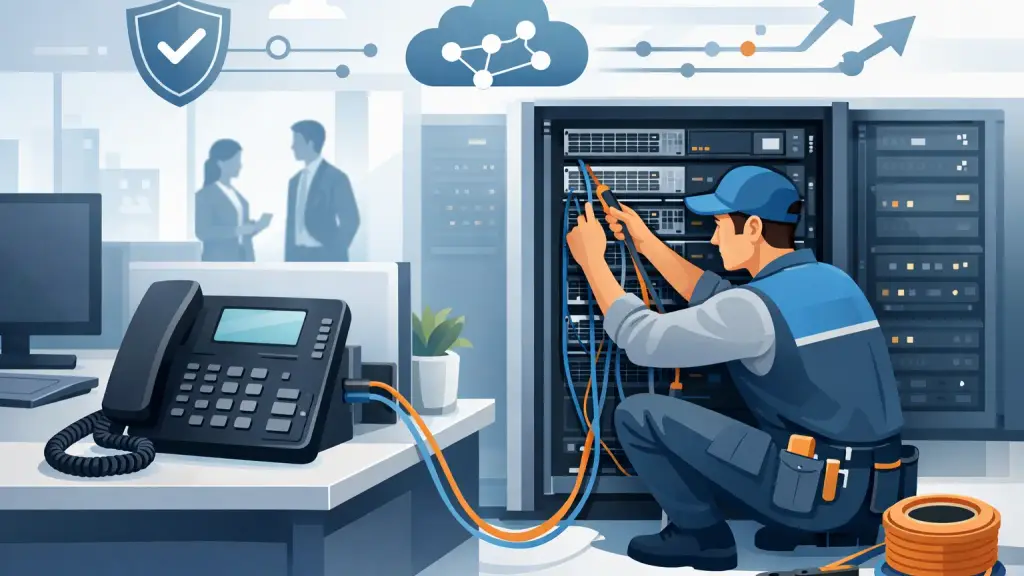
A phone system can be fully programmed, powered on, and still fail where employees need it most: at the desk, reception area, warehouse station, or conference room. Damaged, poorly labeled, or improperly extended business phone wiring is often the hidden cause of dropped extensions, static, dead handsets, and service calls that interrupt normal operations.
For offices that rely on an existing PBX, wiring is not a minor detail. It is the physical path between the phone system, the network closet, and the people answering customers, scheduling work, and supporting staff. A clean wiring plan makes repairs faster, office moves less disruptive, and future technology decisions far easier.
What Business Phone Wiring Actually Includes
Business phone wiring includes more than the cable running from a wall jack to a desk phone. In a typical office, it may include station wiring to individual work areas, patch panels, termination blocks, cross-connects, cable pathways, wall plates, equipment-room connections, and labeling that identifies every extension.
The exact design depends on the phone system. Many legacy PBX platforms use dedicated station cabling and manufacturer-specific digital or proprietary telephone connections. Other systems may run analog lines, SIP phones over Ethernet, or a combination of technologies. Assuming every phone can simply plug into any available jack is a common and costly mistake.
A properly installed system keeps phone cabling organized and separate from power sources or other potential sources of interference where required. It also provides a documented path from the PBX port to the user location. When an extension stops working, that documentation can turn a long troubleshooting process into a targeted repair.
Legacy PBX wiring requires system-specific knowledge
Older business phone systems remain common throughout Chicago-area offices because they are familiar, dependable, and already integrated into daily operations. However, legacy systems are not interchangeable. The wiring requirements for a digital extension, analog device, cordless base station, fax line, paging adapter, or door phone can differ significantly.
A technician needs to identify the system type before moving or re-terminating cables. Incorrect wiring can damage equipment, create intermittent failures, or leave users unable to access features such as transfer, voicemail, intercom, or paging. This is especially relevant when an office has expanded over time and several generations of cabling are present behind the walls.
Signs Your Phone Wiring Needs Attention
Phone wiring problems do not always appear as a complete outage. More often, they begin as inconsistent issues that employees work around until a move, remodel, or equipment failure makes the underlying problem impossible to ignore.
Watch for recurring static, crackling, dropped calls, extensions that work only when a cable is moved, phones that lose service after another workstation is changed, or wall jacks with no clear label. A cluster of loose cables in the telecom room is another warning sign. It may function for now, but it makes emergency repairs slower and increases the chance that the wrong line will be disconnected.
Office changes can expose weaknesses as well. If a receptionist moves desks, a department relocates, or new staff are added without an available extension, temporary cords often become permanent. Those workarounds can create trip hazards, unreliable connections, and a confusing record of where lines actually terminate.
The right response is not always a full recabling project. In some cases, a focused repair, new cable run, jack replacement, or proper re-termination is enough. The scope depends on the condition of the existing infrastructure, the age of the system, and whether the office is planning a near-term technology change.
Plan Phone Wiring Around How Your Office Works
A useful wiring plan starts with operations, not cable. Begin by identifying every place where staff need dependable calling capability: reception, private offices, customer service desks, shipping areas, conference rooms, break-glass emergency locations, and shared workstations.
Then account for devices that may not look like standard desk phones. Fax machines, credit card terminals, alarm interfaces, analog conference units, overhead paging equipment, door entry systems, and elevator-related communication devices may require specific connections. Missing these details during a move or upgrade can cause service interruptions after the main phones appear to be working.
For multi-location businesses, standardizing labels and documentation is particularly valuable. An office manager or IT leader should be able to identify the extension, room, jack, patch-panel position, and system port without relying on one employee's memory. That level of organization supports faster troubleshooting across locations and makes it easier to coordinate with a field technician.
Leave room for changes
Offices rarely remain static. A practical installation includes capacity for additional users, planned cable pathways, and enough order in the telecom room to make changes without disturbing active lines. This does not mean installing more infrastructure than the business will ever need. It means avoiding a design that forces costly rework every time a department adds a few people.
Future planning also matters when a business may eventually move to hosted VoIP. Structured cabling that supports the office network can provide a cleaner transition path, but the network itself must be evaluated before IP phones are deployed. Power availability, switch capacity, voice traffic priorities, and backup options all affect call quality and reliability.
PBX Moves, Renovations, and Office Relocations
Moving a phone system is not simply a matter of unplugging it Friday and reconnecting it Monday. A successful relocation requires an inventory of extensions and devices, verification of cable runs at the new space, a plan for carrier service, and testing before employees arrive.
The biggest risk is discovering too late that the new office has insufficient cabling, inaccessible pathways, unlabeled jacks, or incompatible connections. A pre-move site review helps identify those issues while there is still time to correct them. It also helps determine whether the existing PBX should move as-is, receive maintenance before the move, or be replaced with a hosted platform.
Renovations require the same discipline. Contractors may remove, cut, cover, or relocate low-voltage cabling without knowing which lines support active phones or critical devices. Before walls are opened or desks are moved, document active connections and establish a clear point of contact for telecom work. This reduces the chance of a preventable outage during construction.
Why Documentation Is Part of the Installation
Good business phone wiring should be understandable after the installer leaves. Labels on cables, jacks, patch panels, and system ports are not cosmetic. They protect uptime.
Accurate records make it possible to isolate a failed extension, identify unused ports, add a new employee, or restore service after an accidental disconnect. They also reduce downtime when emergency work is needed outside normal business hours. A technician can work faster when the environment is organized and the cabling history is clear.
Documentation should be updated after every meaningful change, including office moves, added extensions, removed devices, and PBX programming changes that alter extension assignments. Without this step, even a well-installed system can become difficult to support within a few years.
Repair the Existing System or Prepare for VoIP?
This decision depends on the business, not a generic technology timeline. If an existing PBX is meeting operational needs and replacement parts, trained support, and reliable cabling are available, repair or maintenance can be the practical choice. Replacing a working system solely because it is older may create unnecessary disruption.
On the other hand, a hosted VoIP transition may make sense when a business needs easier multi-site management, more flexible remote calling, simpler growth, or a replacement path for unsupported hardware. The move should be planned carefully. Network readiness, number porting, device selection, user training, and fallback procedures all deserve attention.
The strongest approach is often to assess the current wiring and PBX condition first. That gives decision-makers a clear view of what can be repaired, what should be cleaned up, and what infrastructure can support the next phase of communications.
For Chicago and suburban businesses that cannot afford unanswered calls or unclear accountability, iTeleco provides on-site cabling, legacy PBX repair, system moves, and 24/7 emergency support. The most useful next step is a practical review of your current phone room, wiring records, and operational needs before the next outage or office change forces the issue.